VoiceGuide
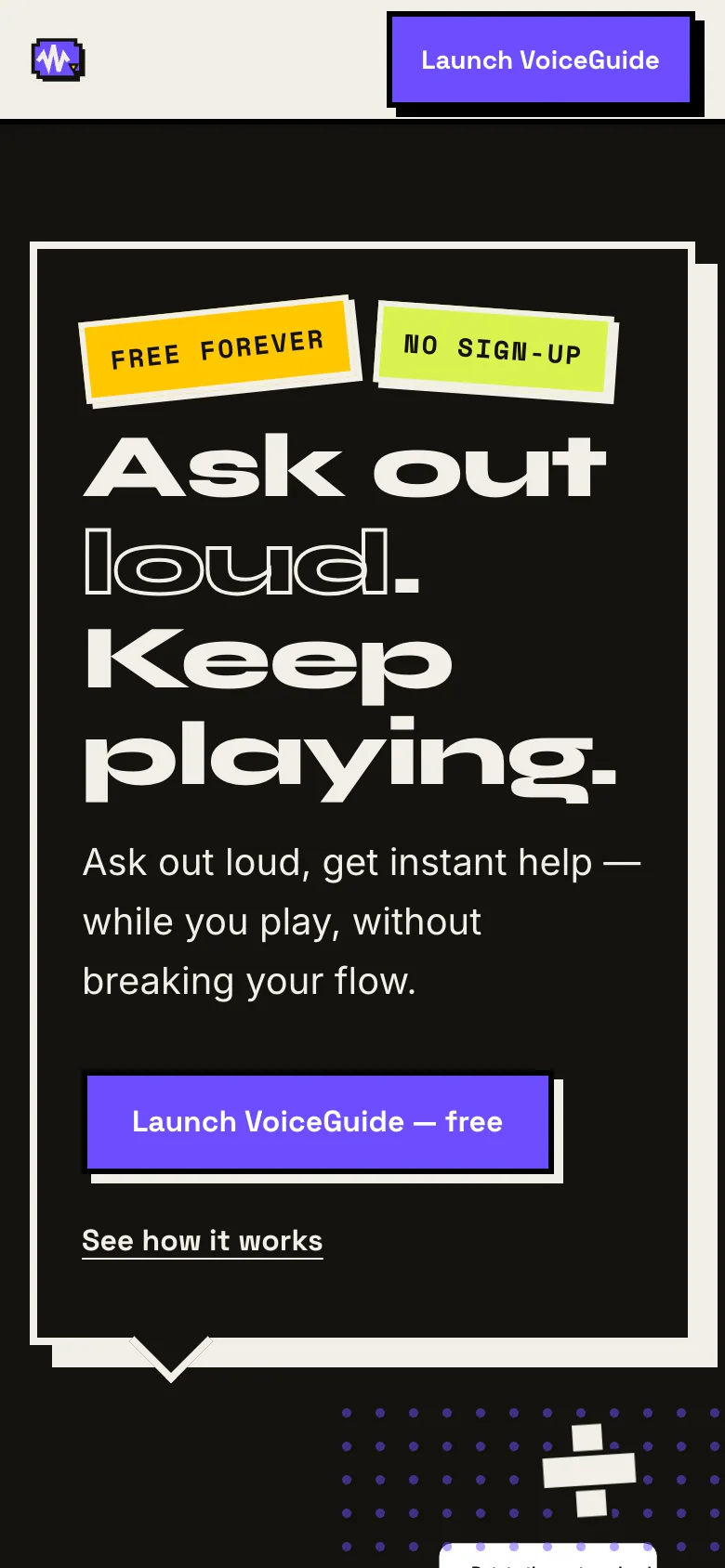
Ask a game a question out loud and keep playing — no account, no server, no bill.
- Role
- Design & build
- Client
- Self-directed
- Year
- 2026
- Stack
- Web Speech API · Gemini · OpenAI · Anthropic · Service worker · SCSS
- Status
- Live
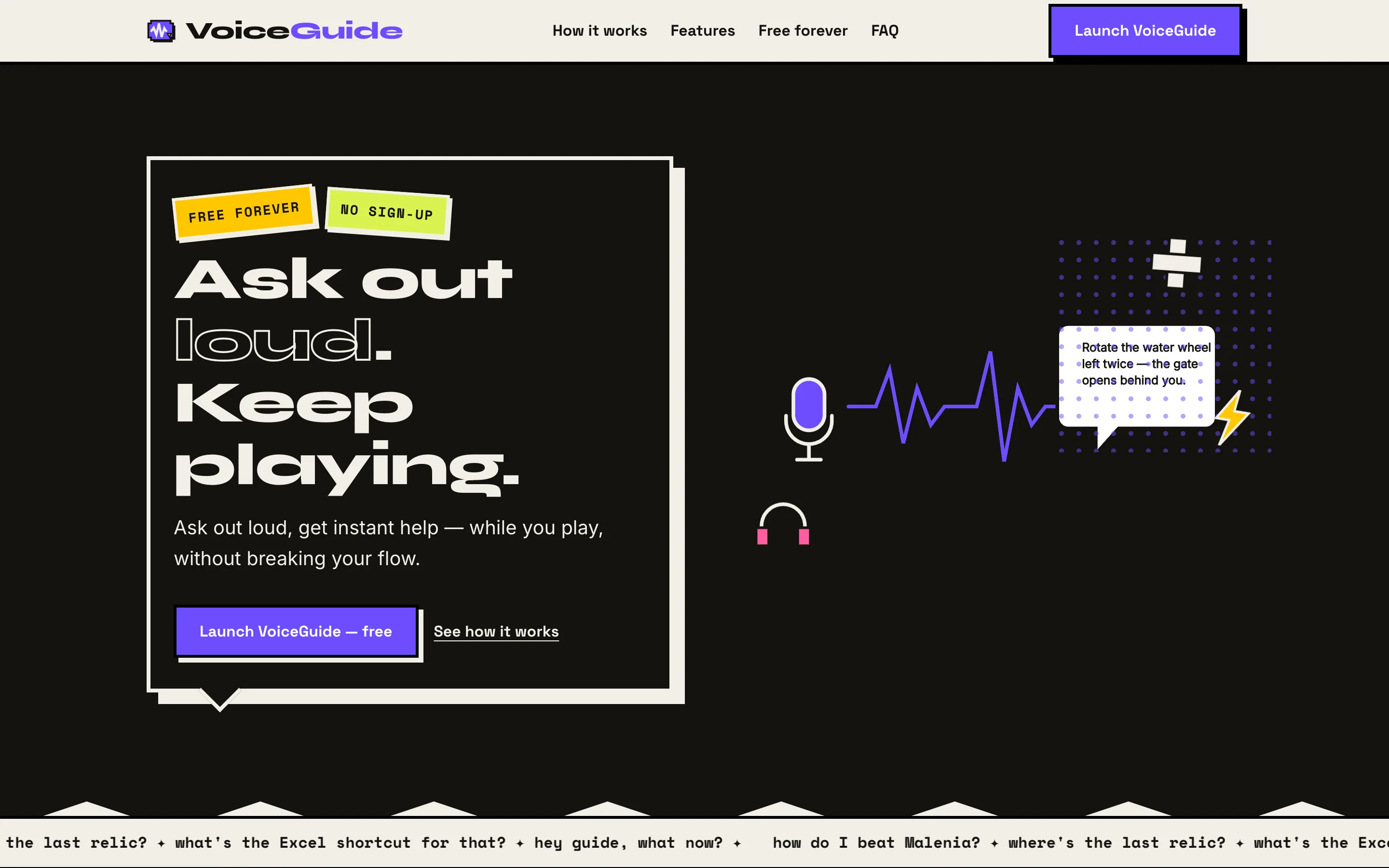
What was broken
You're forty minutes into a game, you get stuck, and the only way out is to alt-tab into a wiki or scrub a fifteen-minute video for the twenty seconds that matter. By the time you're back you've lost the thread — and half the time you've been shown the ending you didn't ask for.
What made it hard
The whole point was free forever, which rules out the usual answer. No subscription means no server to pay for, no account to store, and no inference bill I could absorb. It also had to survive a browser that won't let a page listen to a microphone without being asked first.
What I decided
Give the running cost away. Every visitor brings their own AI key — Gemini's free tier takes about two minutes to get — and it's kept in their browser and sent straight to their provider. That single decision removes the server, the database, the login, and the privacy conversation in one go: there is nowhere for me to store anything, so there's nothing to promise.
What shipped
Two static folders and no build step at runtime — a landing page whose SCSS is compiled once and committed, and the app itself in plain HTML, CSS and JavaScript, with the Web Speech API for input, speech synthesis for replies, a service worker so it installs, and local storage for the key, the pins and the history.
The moment it worked
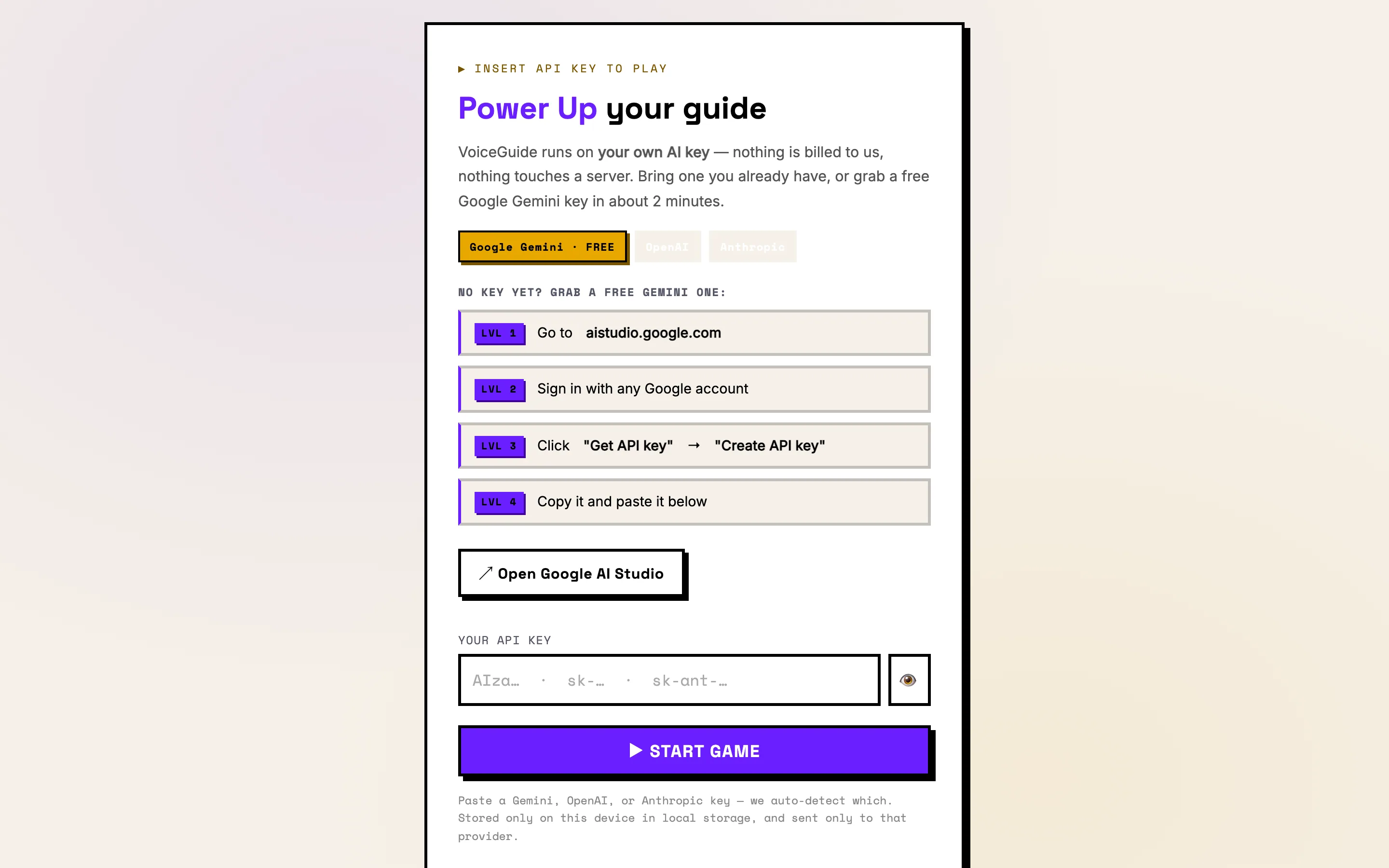
The API-key screen was the whole risk — one dull form between someone and the product. Rewriting it as LVL 1 through LVL 4, with the free-key route as the default and a live demo they can already have played with on the way in, turned the step that loses people into the step that proves the claim.
What it left behind
It runs on two subdomains for nothing at all, and it's the cleanest example I have of a real AI product where the architecture is the privacy policy.
How it looks, and why
It's a tool you talk to mid-game, so it had to look like something you'd trust in ten seconds and never think about again — not enterprise software, not a chatbot. Neubrutalism does that honestly: hard black borders, offset shadows, no gradients, nothing pretending to be glass. Each band owns exactly one colour so you always know which part of the page you're in, ultraviolet is reserved for the thing you're meant to press, and every small label is set in mono. The API-key screen is dressed as LVL 1–4 of a game, because the one step that could lose a user shouldn't read as an apology.
Palette — sampled from the live site- Web Speech API
- Gemini · OpenAI · Anthropic
- Service worker
- SCSS
Say it, don't type it
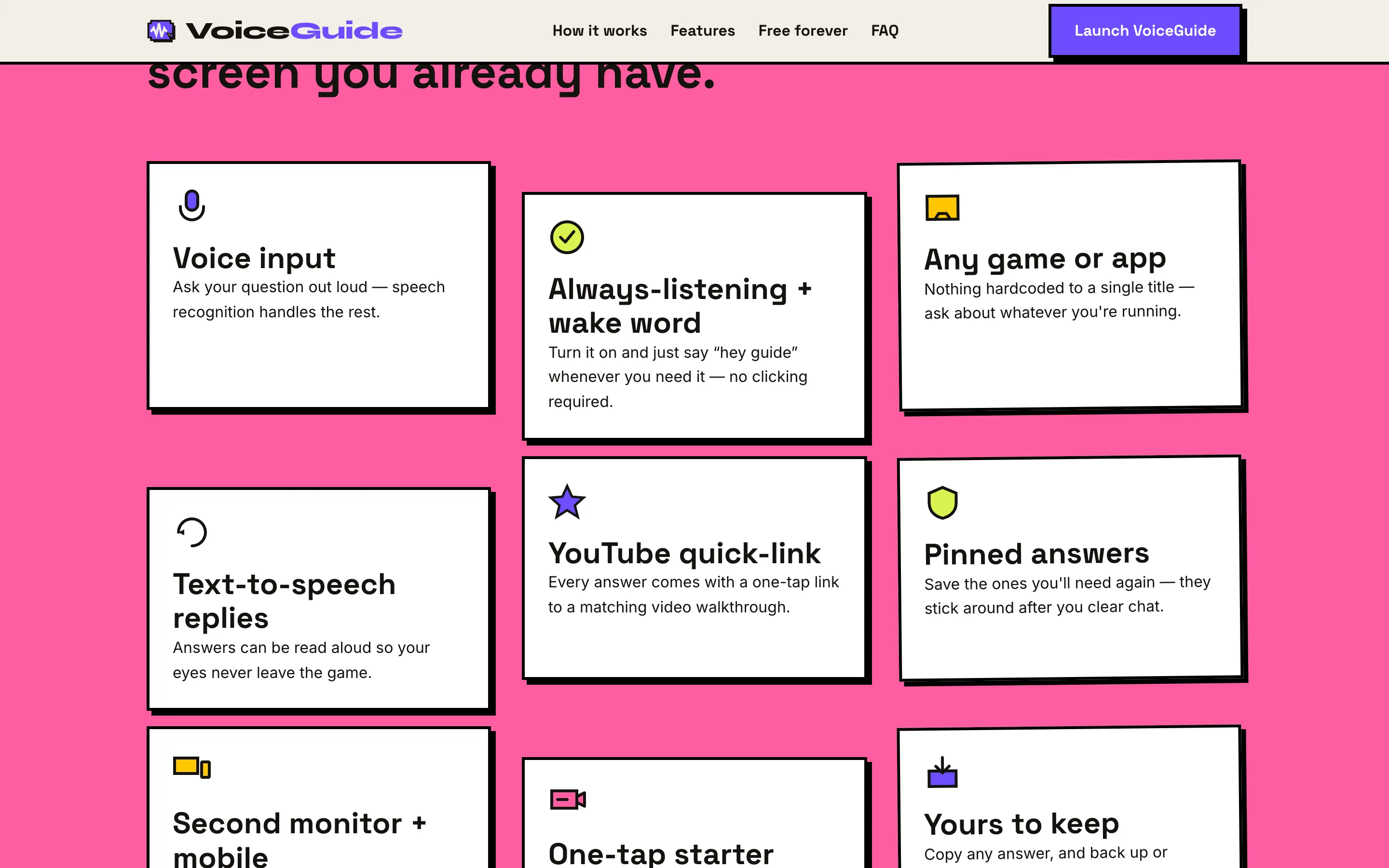
Speech recognition takes the question, and a wake word — “hey guide” — means you don't have to reach for the mouse at all. There's always a text box too, for browsers without the Web Speech API.
Your key, your quota
Paste a Gemini, OpenAI or Anthropic key and it works out which is which. The key lives in your browser's local storage and is sent only to that provider, in a header, never a URL. Nothing is billed to me, so it can stay free forever without ads.
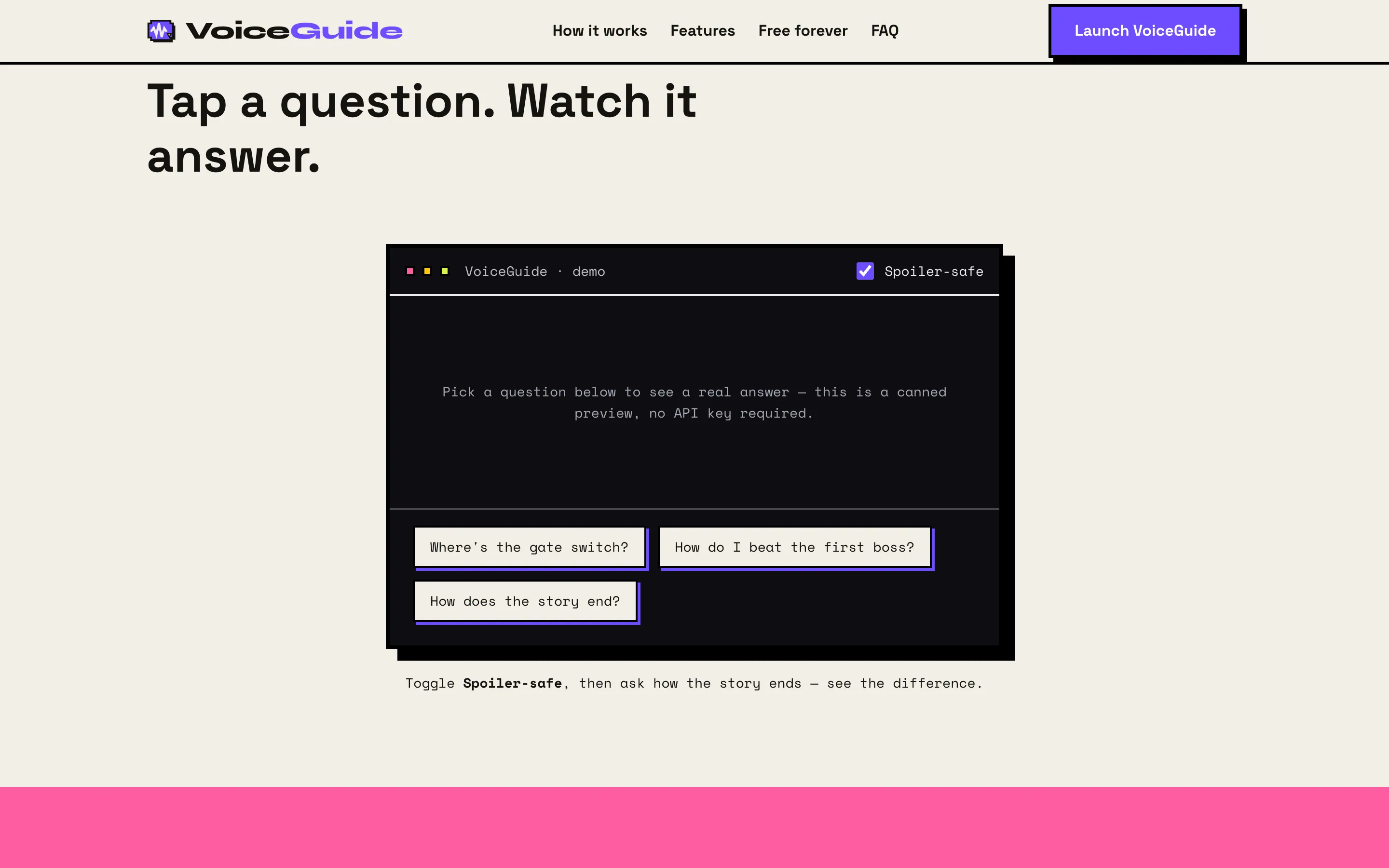
Spoiler-safe
A toggle that keeps the answer to exactly what was asked and no further. You can try the difference on the landing page before you ever open the app.
Answers that stay put
Pin the ones you'll need again, jump to a matching video walkthrough in one tap, and back up or restore the lot — all of it on your own device.
Runs on the screen you already have
It installs as a PWA and works on a spare monitor or a phone next to the keyboard, which is where a walkthrough actually belongs.